
Every task on one floor plan, from build-up to the final export
Expo Radar Pro is where your service desk logs requests, your teams pick them up and everything ends up on record. Here's how it works, part by part.
Your floor plan in everyone's pocket
Use the hall plan, a technical drawing or the electricity and water plan, across several halls and floors. Everyone always has the latest version, and it's searchable by stand number, so they find their way.
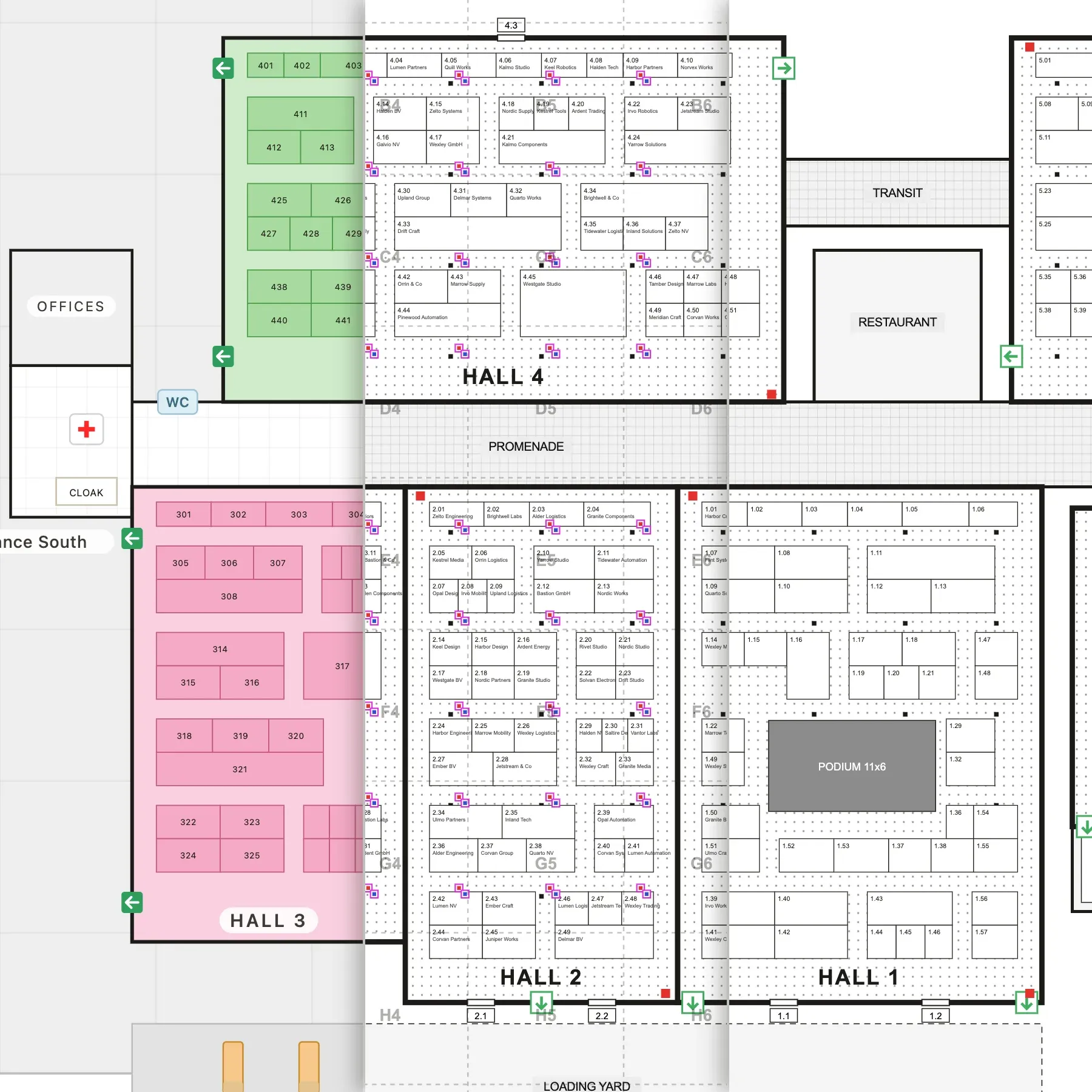
Technical services work off the utilities plan, security uses the plan with the emergency exits and a steward only knows the stand numbers. A pin dropped on one plan shows up on exactly the same spot on all the others, so “stand 4.B12”, “the corner by the hall 4 loading door” and the junction box on the electricity plan all point to the same place.
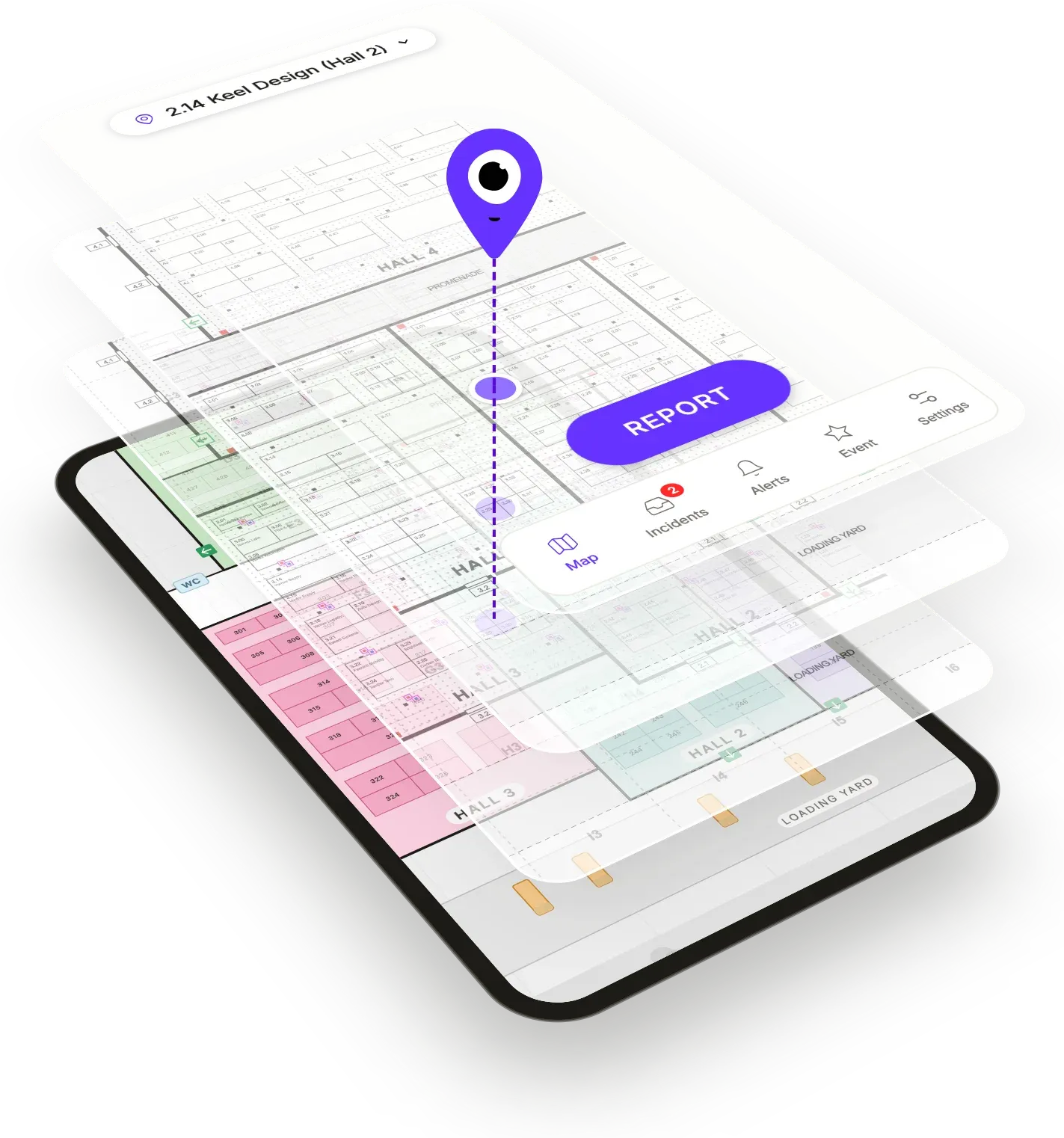
Every point has a coordinate, but nobody has to read one out, because Expo Radar Pro translates it into a hall, a stand number or a zone. The coordinates stay behind the scenes.
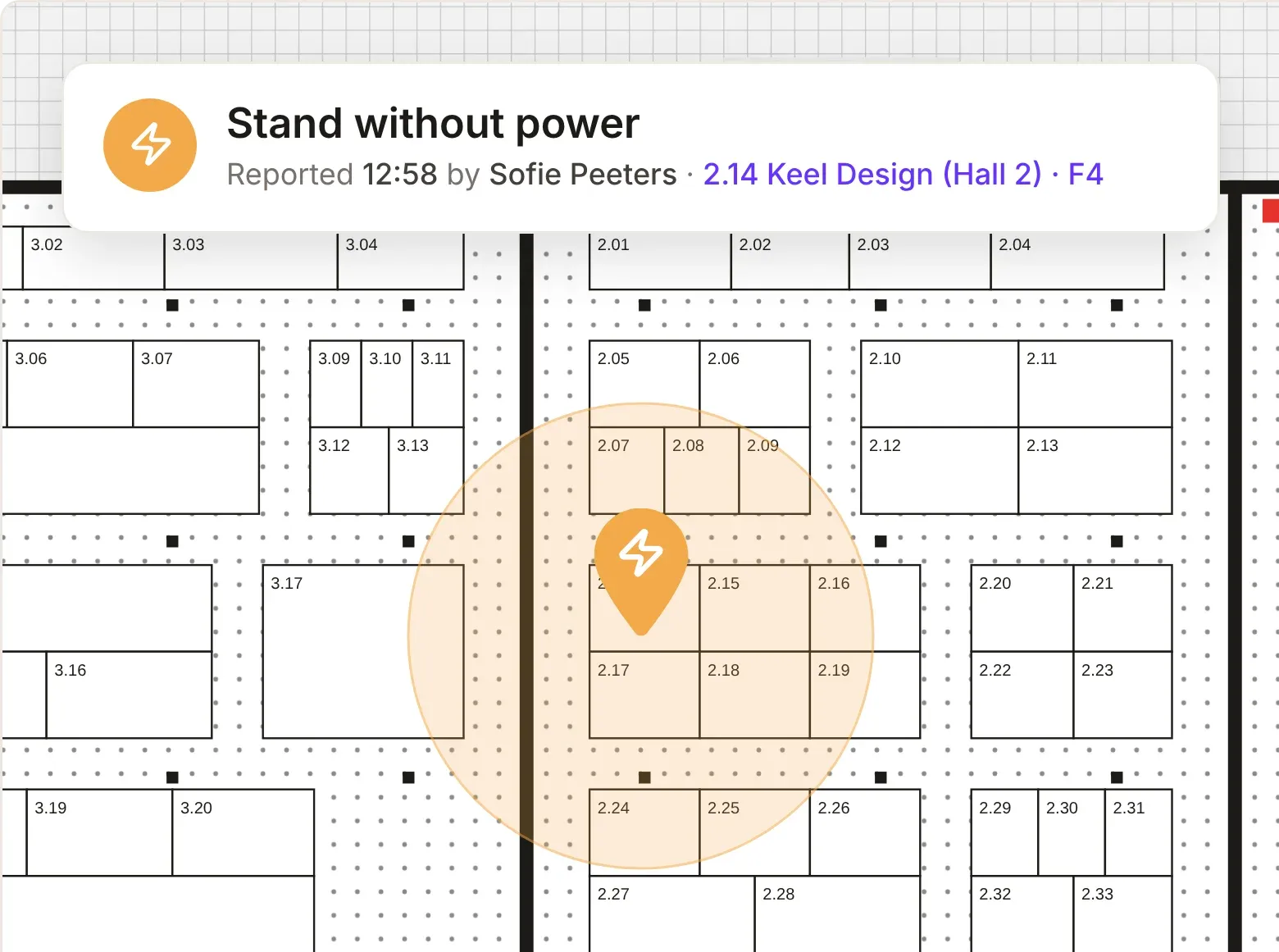
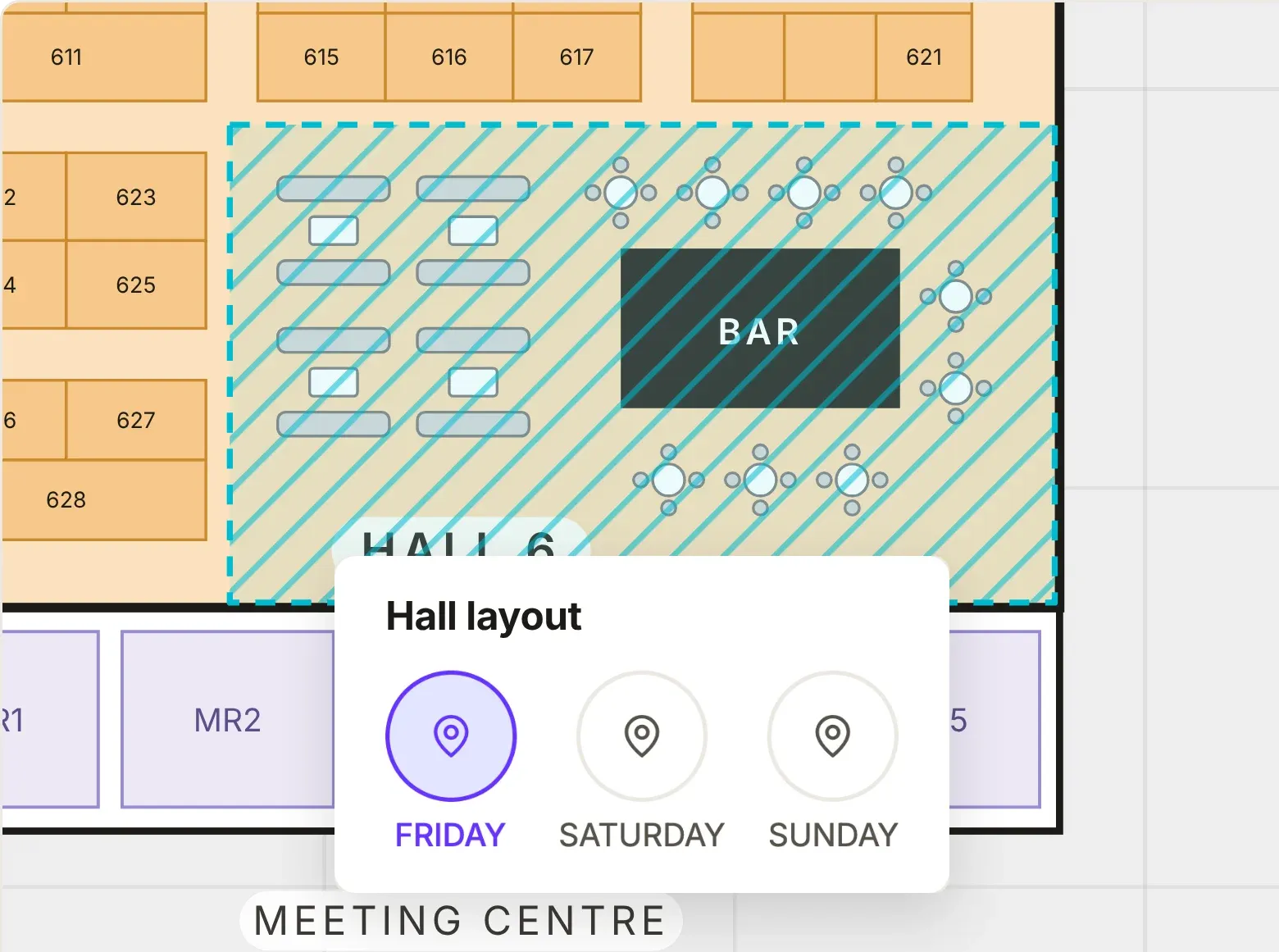
During build-up the aisles are a loading zone, and on show days they're full of visitors. Each day can get its own layout, with halls that open later or areas that are closed.
Logging a task in seconds, at the desk or on the floor
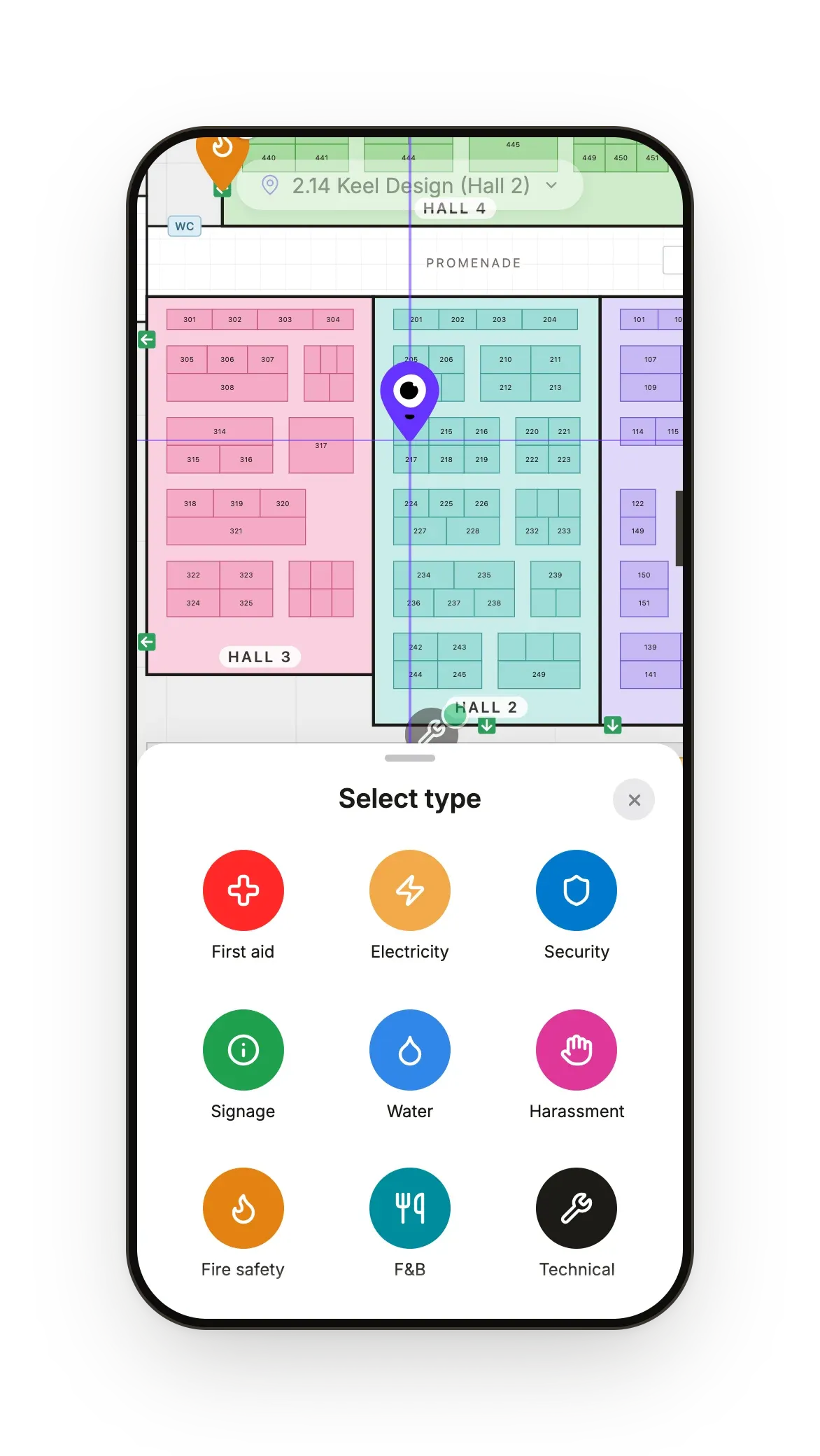
When an exhibitor or a stand builder comes to the desk or calls, your desk pins the stand, picks a category and adds the details while they're still talking.
Your floor team, your safety coordinator and the venue's staff can log what they see on their rounds from their phone. Pin it, pick a category and add a photo, with one hand free for the job.
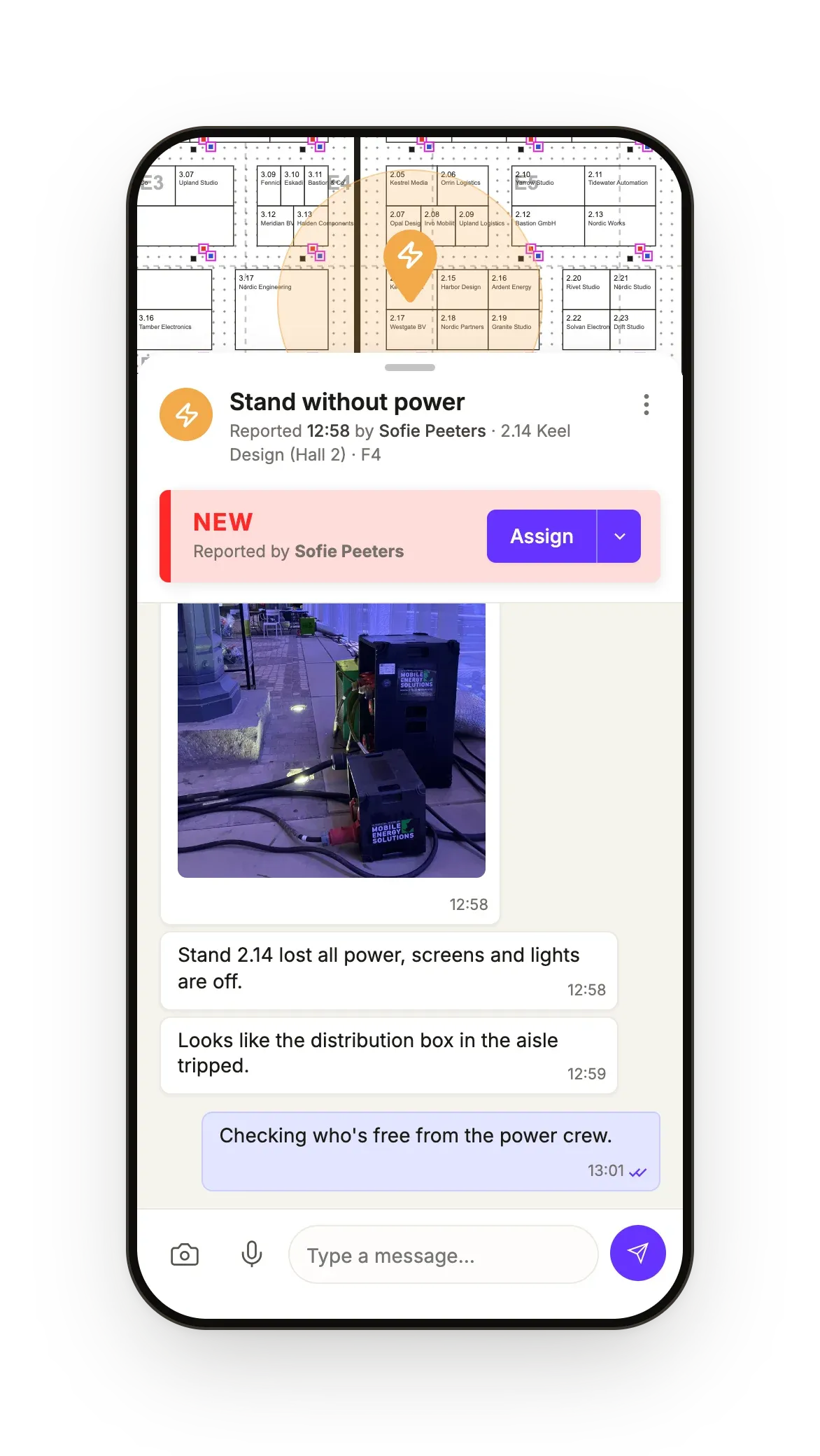
Follow-up questions and extra information stay with the task they belong to, instead of getting buried between forty other messages. You can add photos, screenshots, voice messages or @-mentions.
Assigning without the noise
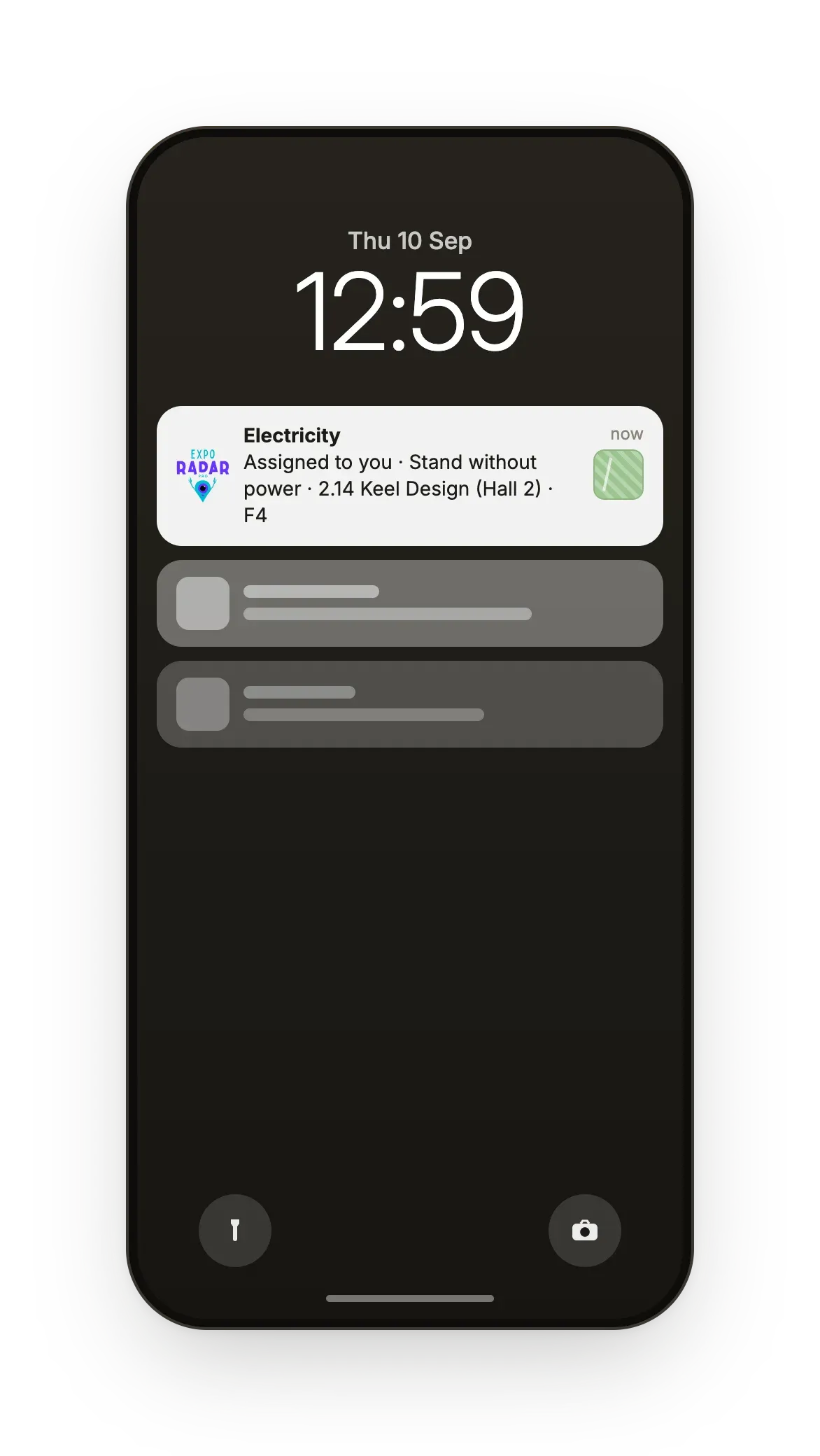
Send every task to the right person or team, and follow it until it's resolved.
Everything on record
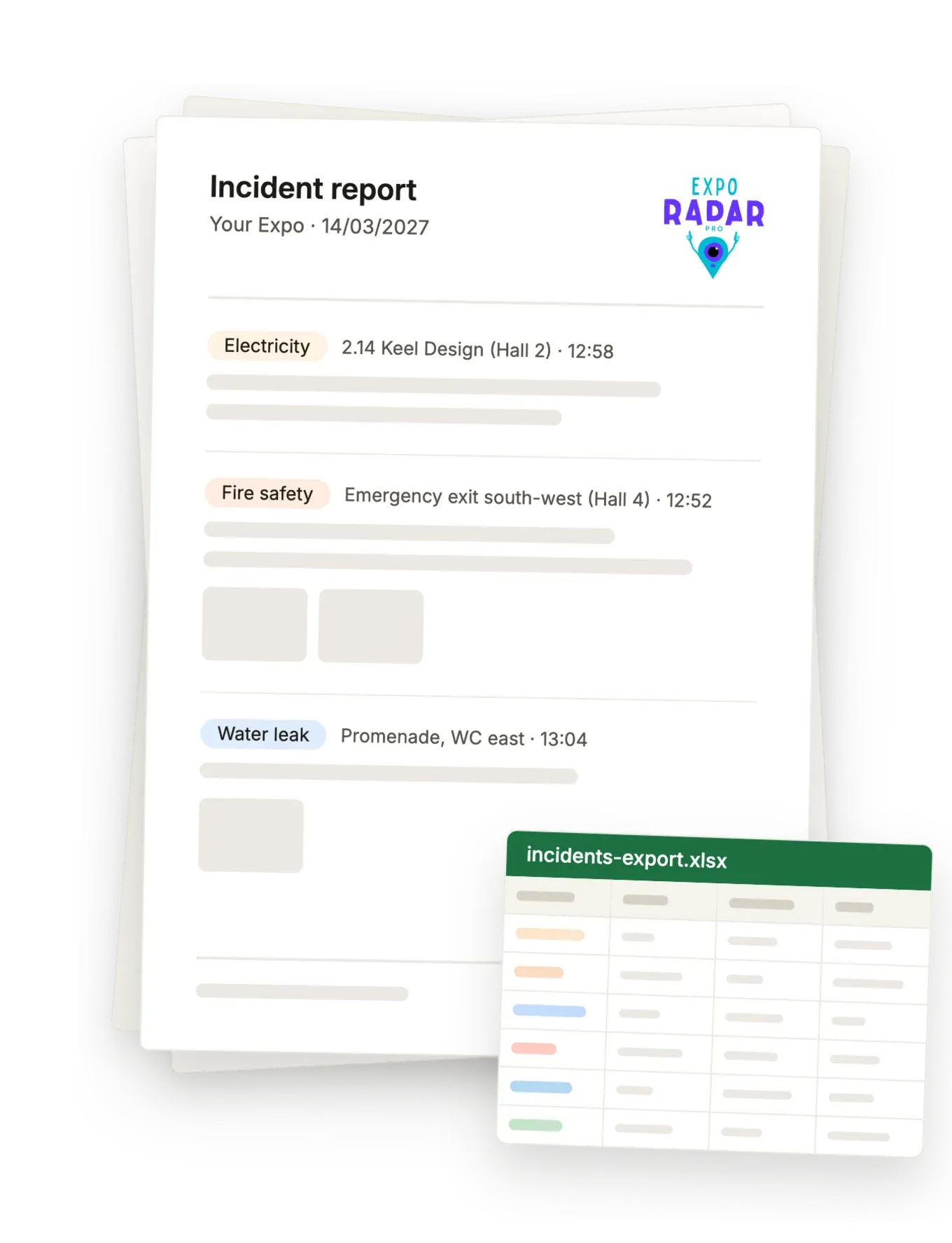
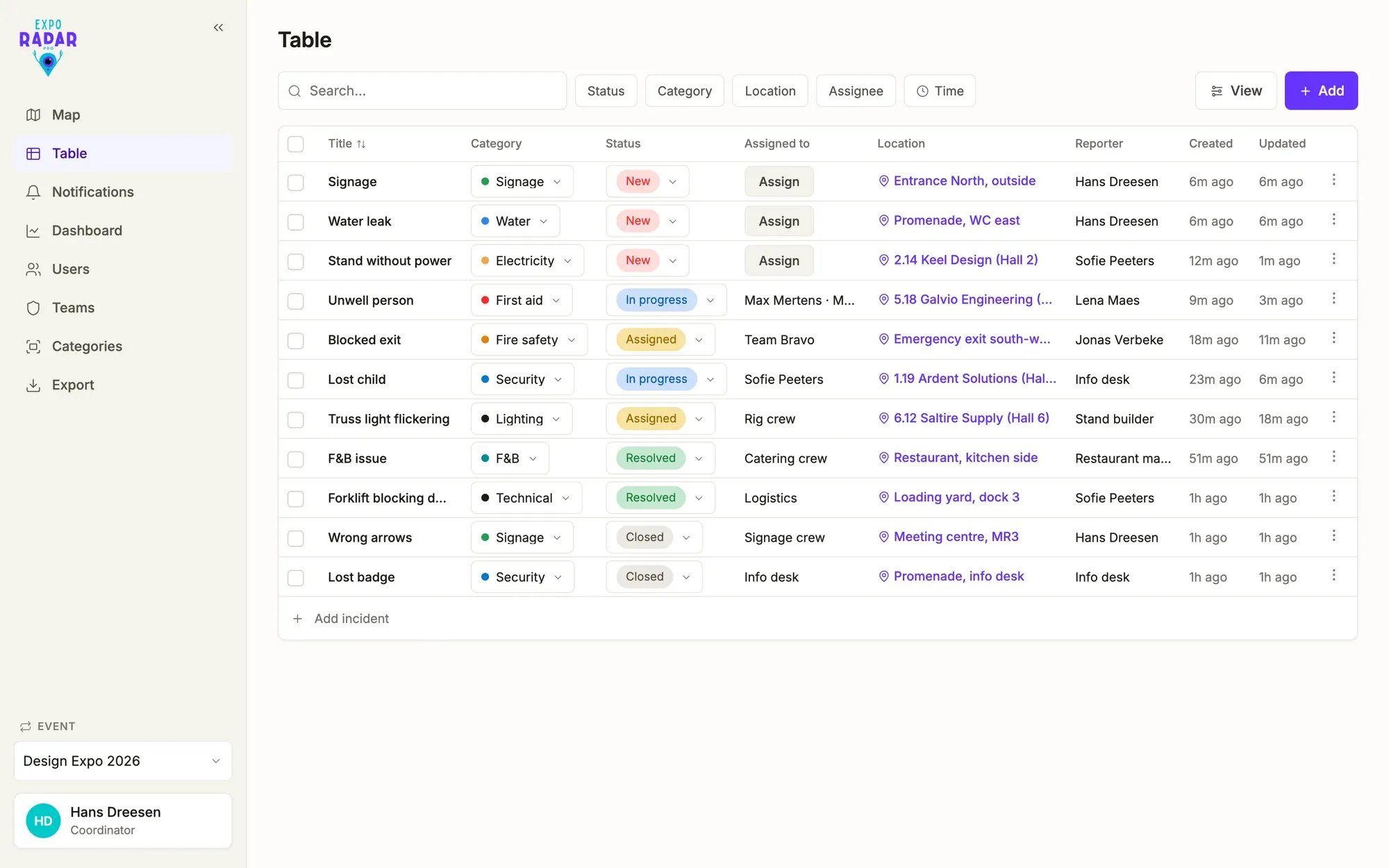
Nobody likes logging, so Expo Radar Pro does it for you. It records who asked for it, who was assigned, every status change with the exact time, the chat, the photos and the hall and stand.
You'll have it ready for your own debrief, the next edition, the venue, the insurer or the fire service, and for the exhibitor who says nobody ever came.
Export a PDF in your own branding, or the full Excel for those who like it old school.
Small things with big value
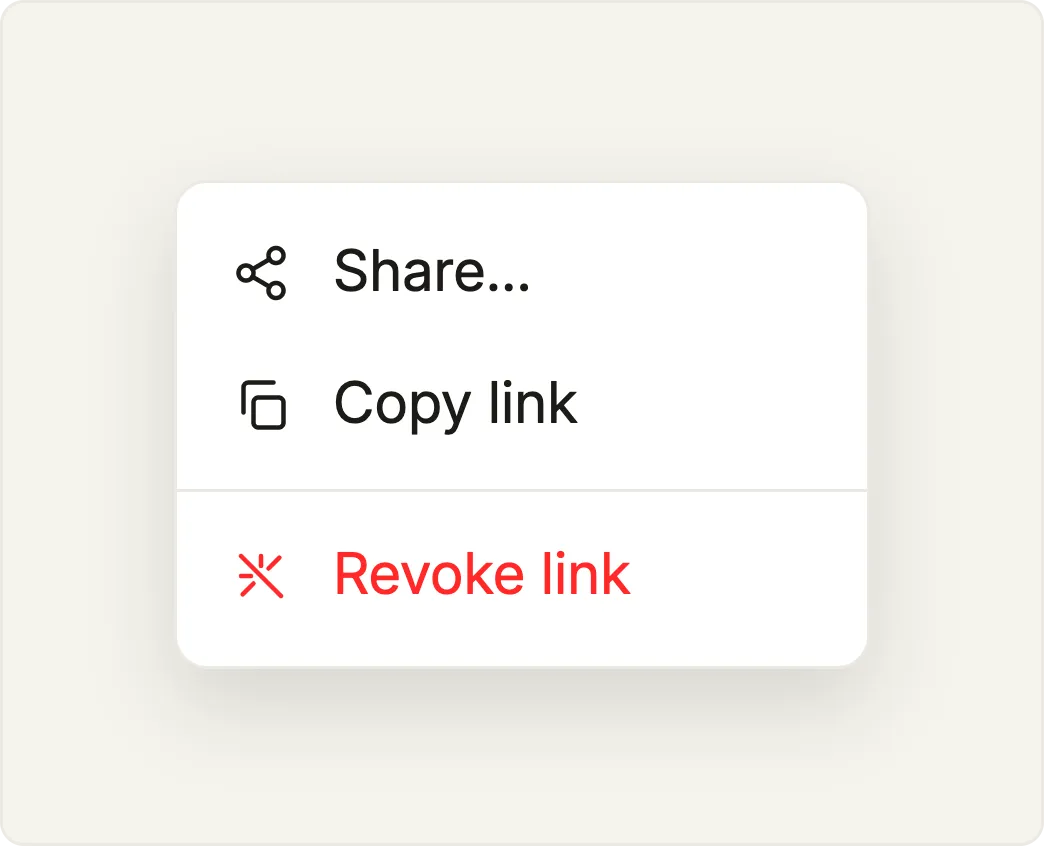
Send a task to a contractor, a supplier or an exhibitor's stand builder through a secure link that includes the floor plan, photos, status and chat. They don't need an account or the app. You can revoke the link whenever you want, and it expires by itself after three days.
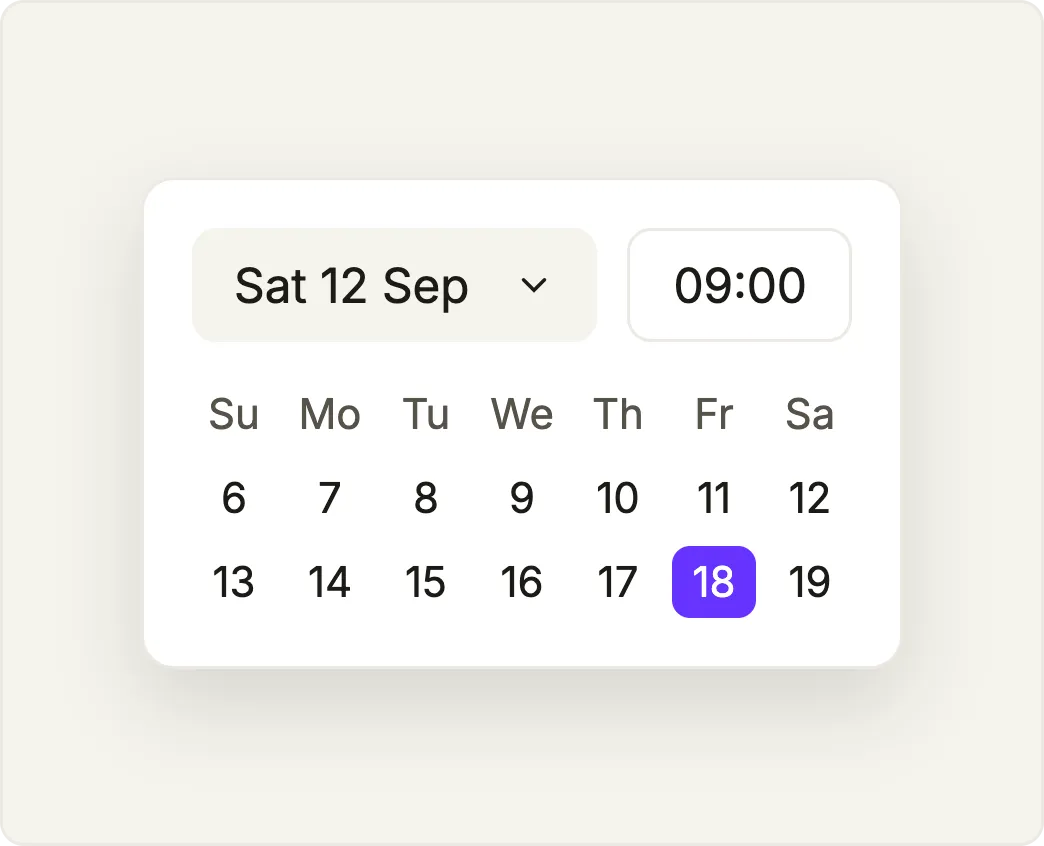
Put a time on a task, and whoever it's assigned to gets a push notification at that moment. You can also use it as a checklist for build-up, the hall check before opening or dismantling.
Tap a name anywhere in the app to call that person, because your user list doubles as your phone list and it's always up to date.
Your trade fair, your data
Your data is hosted in the EU, under European privacy law. Festival Radar BV processes it and you own it, and we work GDPR-compliant with a data processing agreement available.
You can export everything as PDF or Excel whenever you want. Need your data in another format or want an integration with your own systems? We'll be happy to talk about it.
Expo Radar Pro works in any browser, on desktop or mobile, and native iOS and Android apps add push notifications.
See it on your own trade fair
We'll set up a demo with your own floor plans, halls and teams.